STUTTER ISLAND — Quick Start
Rhythmic performance effect · VST3, Audio Unit & Standalone · macOS and Windows · Stigma Audio
1 Install
macOS: double-click the .pkg installer (signed and notarised); it places the VST3, the
AU component and the Standalone app. Windows: run the Setup.exe; at the warning, click
More info, then Run anyway. Restart your DAW and rescan plugins if needed. To leave
demo mode, click DEMO at the top right and type the email you bought with and your
licence key.
2 Insert on the track to process
Stutter Island is an effect: insert it on the audio track you want to mangle (drum loop, full beat, synth…).
3 Route MIDI (to play it from a keyboard/pad controller)
- Ableton Live: create a MIDI track; set MIDI To → [your audio track] → Stutter Island (the “1-16” sub-menu lists MIDI channels: any of them works, pick 1); arm the MIDI track.
- Logic Pro: load Stutter Island from the AU MIDI-controlled Effects category, then pick the track to process as its Side Chain input.
4 Trigger the Gestures
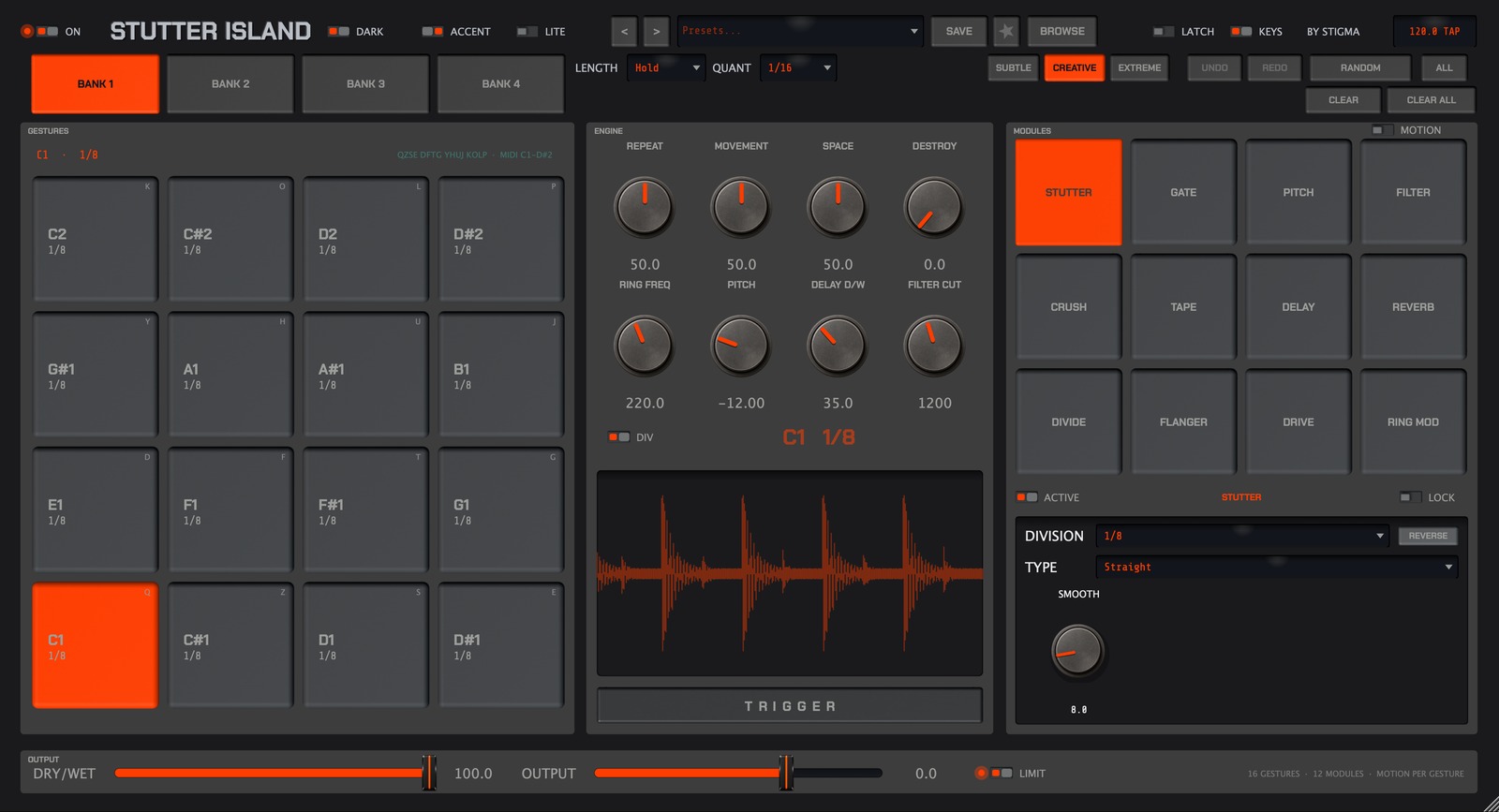
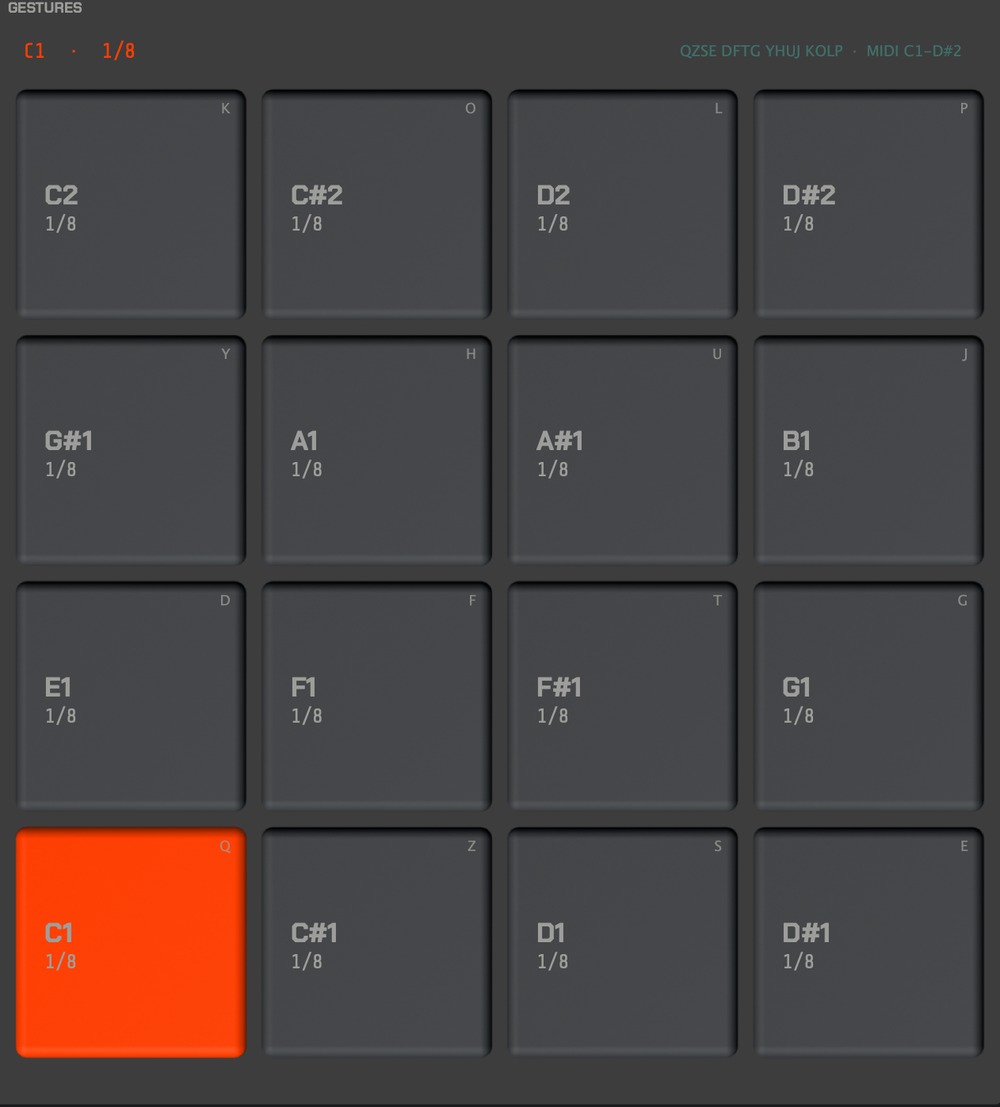
The 16 pads respond to MIDI notes C1 to D#2 (notes 36–51). Each pad holds a Gesture: a combination of effect modules (stutter, gate, filter…). Hold the pad to play — or set LENGTH to 1 Bar and a single tap fires a full bar of effect, always in time. Tip: right-click a pad → MIDI Learn to drive it from any controller.
5 Explore — no thinking required
- BROWSE: demo presets (search, categories, favorites ★).
- RANDOM (or right-click a pad): musical randomization. Intensity Subtle / Creative / Extreme. ALT+right-click resets the pad.
- The 8 ENGINE knobs (Repeat, Movement, Space, Destroy, Ring Freq, Pitch, Delay D/W, Filter Cut) shape the selected Gesture in real time.
6 Balance the output
DRY/WET blends with the original signal, OUTPUT sets the level, LIMIT keeps peaks in check during extreme performances.