Beat repeat
becomes an instrument.
Stutter Island slices, repeats and shreds your audio in time — 16 pad-playable Gestures, 12 effect modules, and randomness with taste.
 Play in time with Ableton Link — Standalone
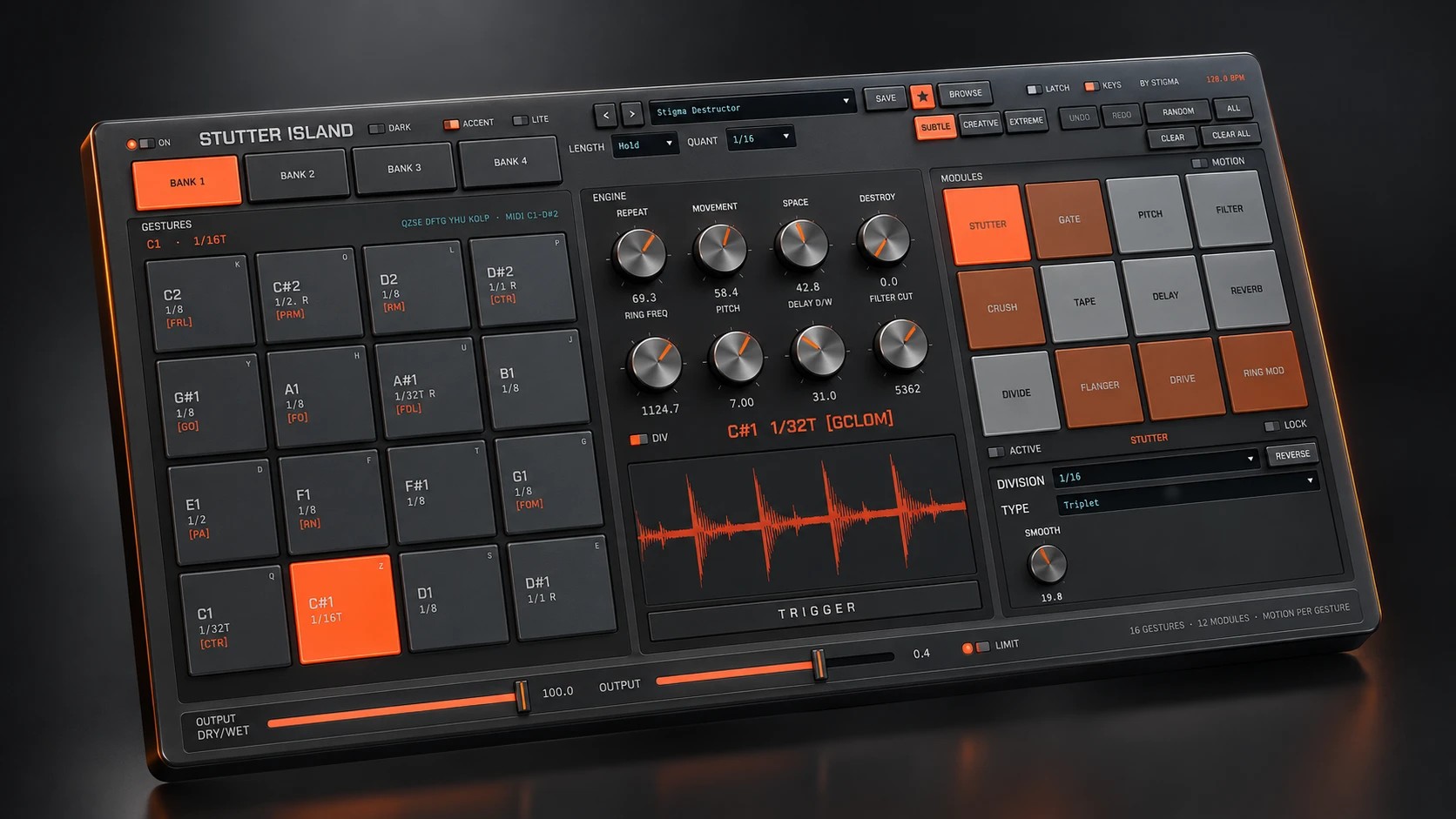
On screen
The real thing, full size
A straight screenshot of the plugin, running — no render, no retouching.
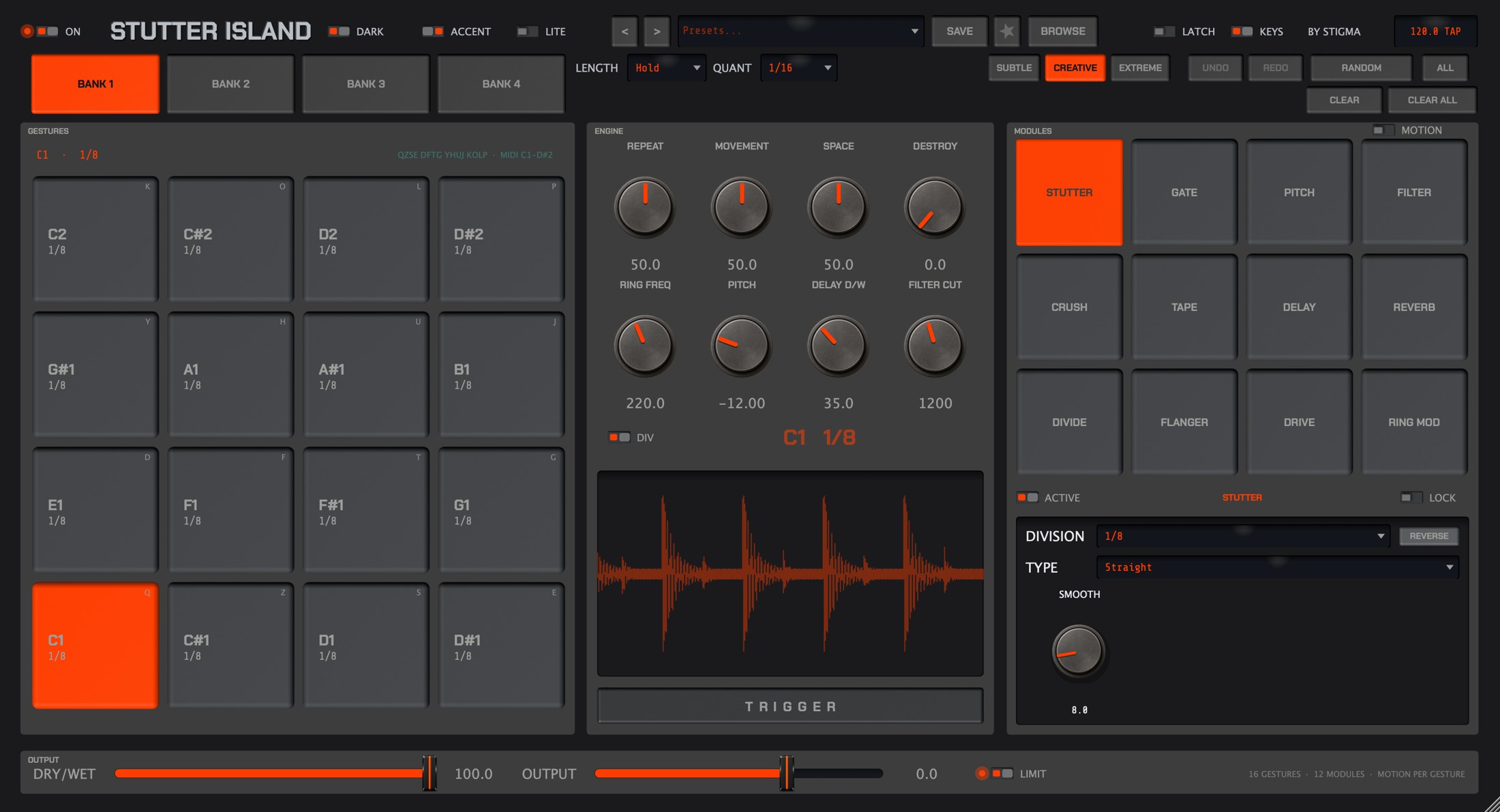
Three minutes flat
Insert. Route. Play.
On the track to process
Stutter Island sits as an insert (VST3 or AU) on any audio track: drums, vocals, a full bus.
One MIDI track to the plugin
Live: MIDI To → the track, then Stutter Island. Logic: MIDI-controlled effect + side-chain. Notes C1–D#2 drive the 16 pads. No keyboard? Mouse or computer keys work too.
Hold, release
Hold a pad: the Gesture kicks in, quantized to the tempo (1/16 by default). Release: your mix comes back, untouched. LATCH lets the loop finish.
The concept
One Gesture = one complete musical move
Each pad stores a combination of modules — tight stutter, breathing gate, diving filter, tape stop… Hold the pad: the Gesture plays, quantized to the tempo. Release: your mix comes back, untouched.
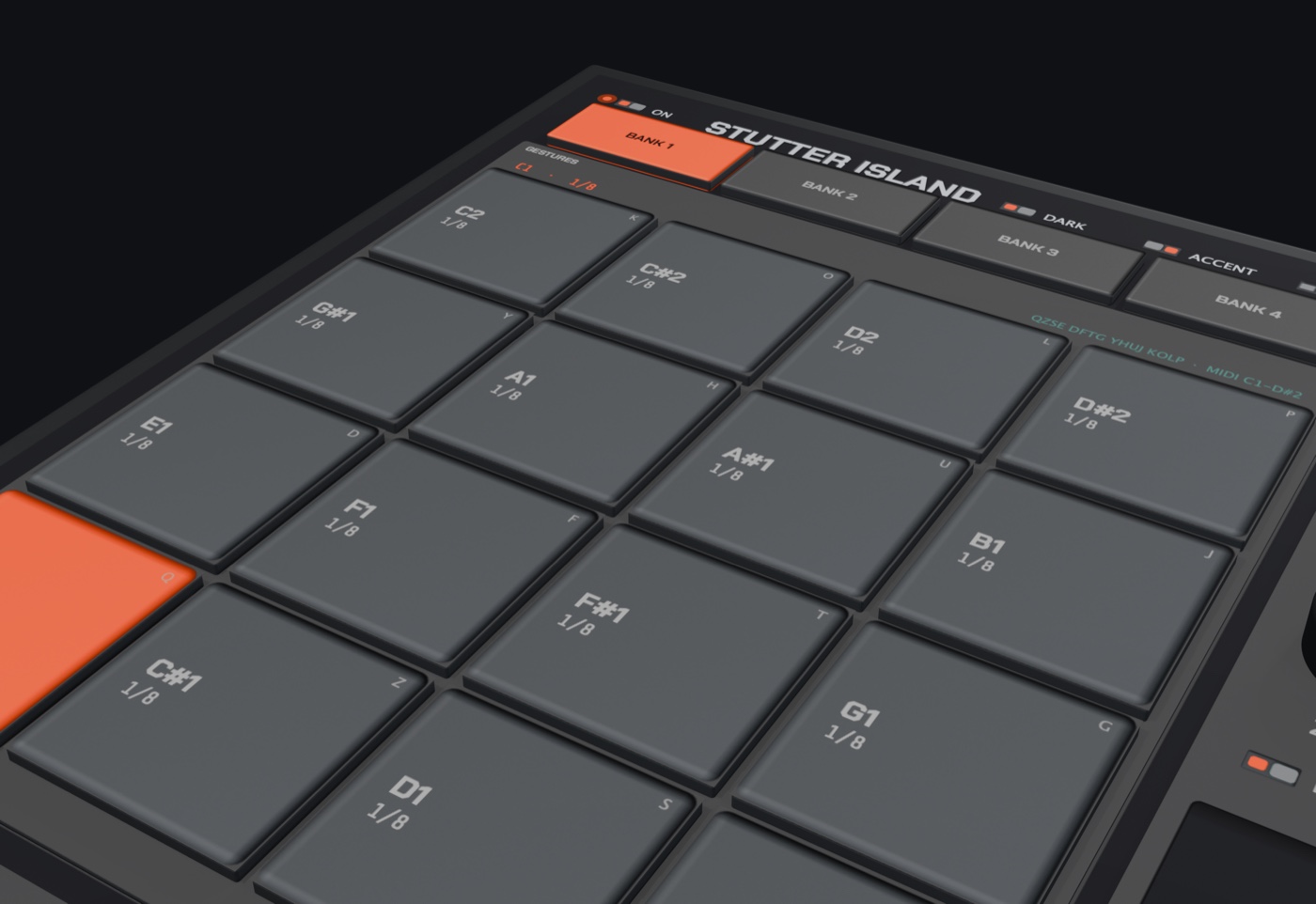
16 pads × 4 banks
64 Gestures per session, playable over MIDI (C1–D#2), computer keys or mouse. Adjustable latch, quantize and length.
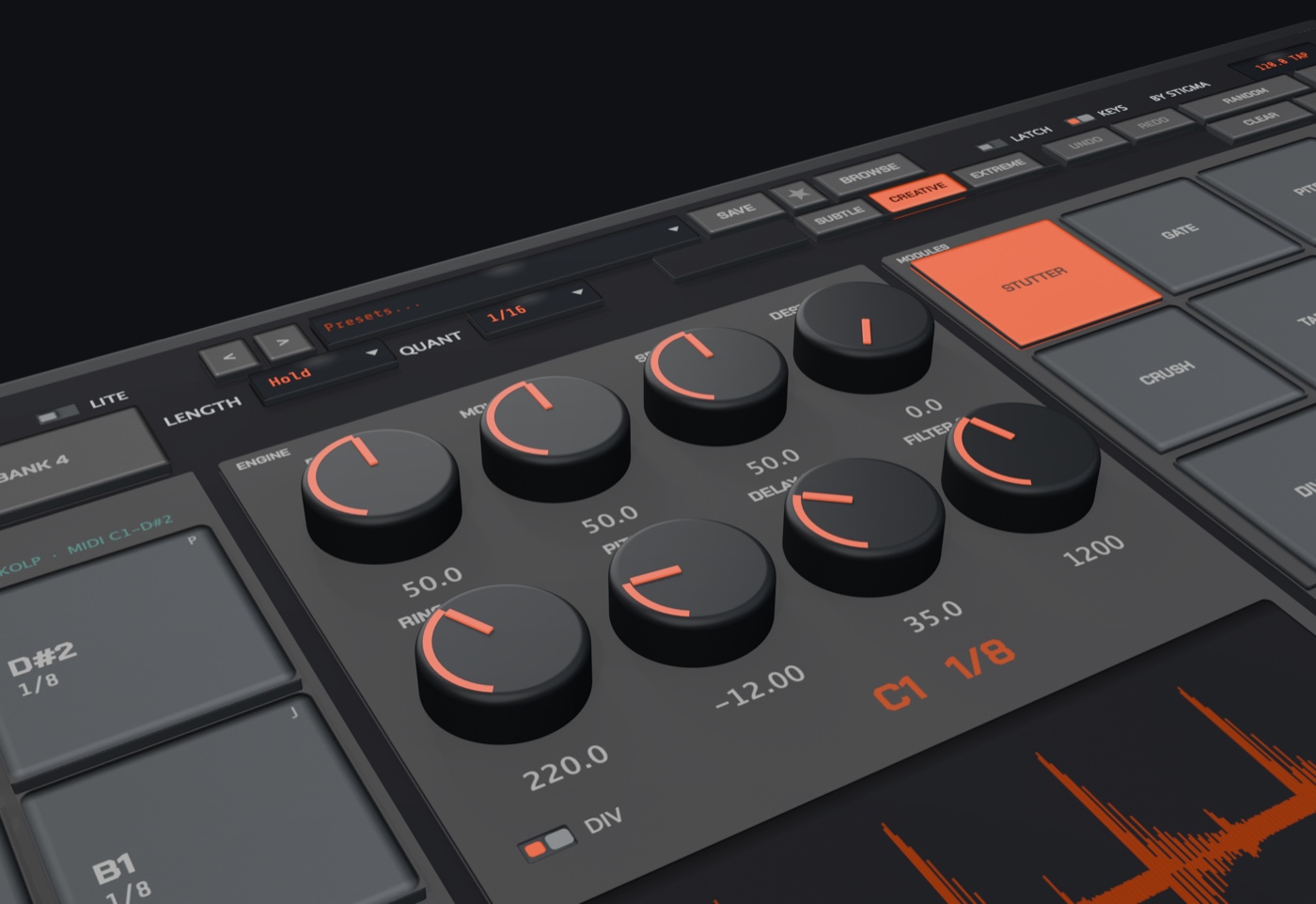
8 sculpting macros
Repeat, Movement, Space, Destroy — plus Ring Freq, Pitch, Delay and Filter. The sound moves under your fingers, MIDI Learn included.
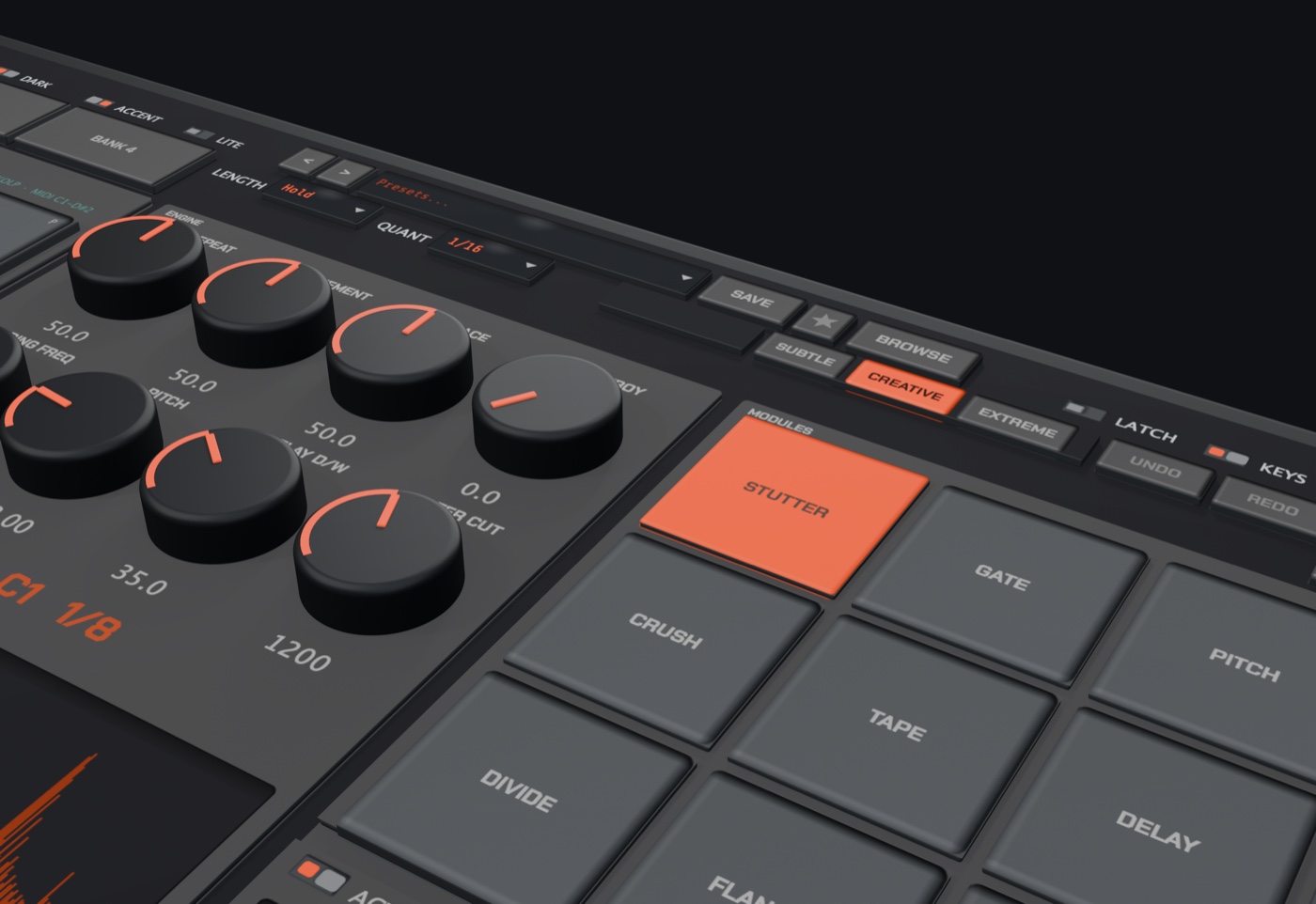
12 effect modules
Stutter, Gate, Pitch, Filter, Crush, Tape, Delay, Reverb, Divide, Flanger, Drive, Ring Mod. Each one set per Gesture.
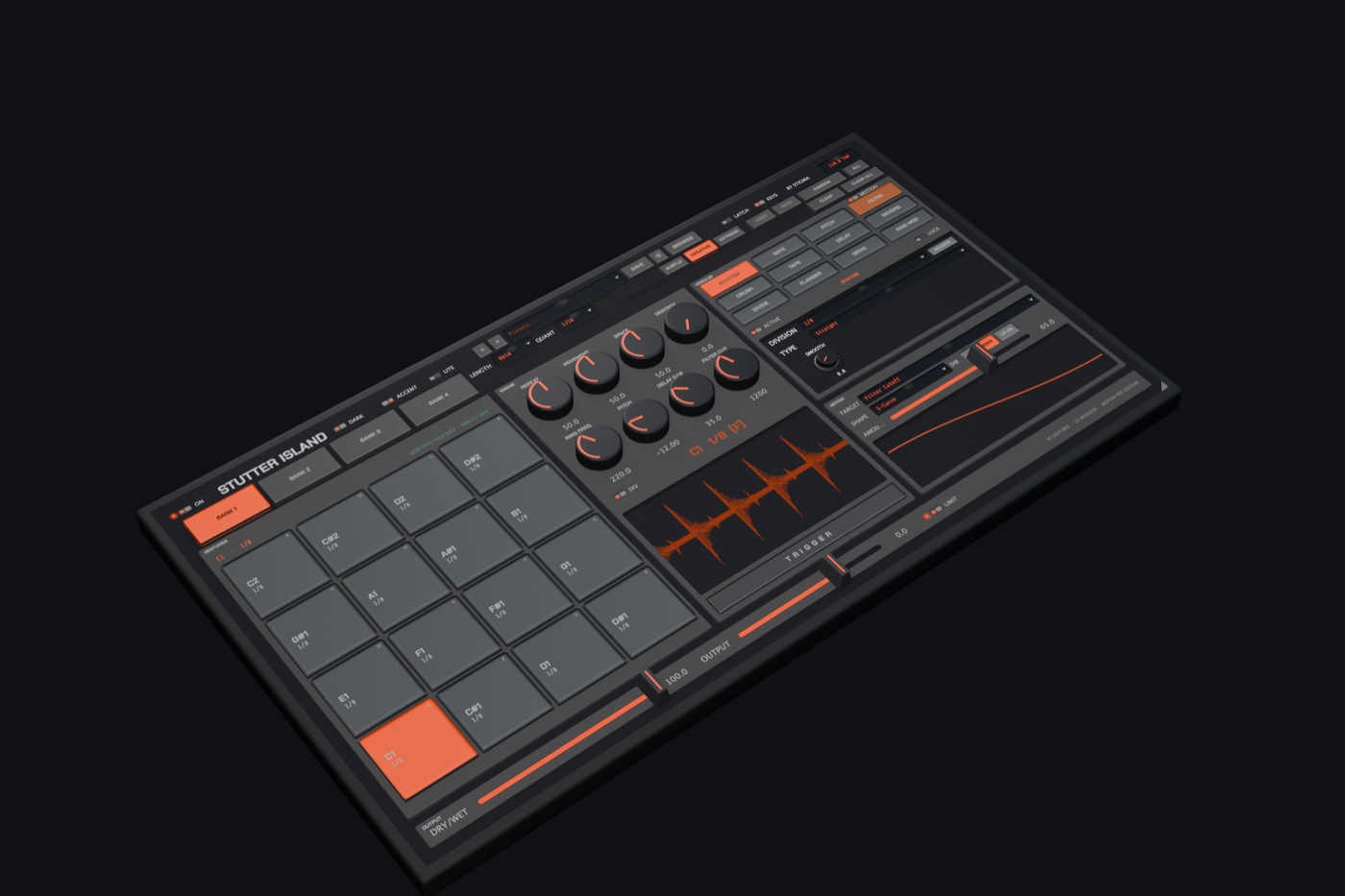
Motion per Gesture
An automation curve baked into every pad: a falling filter, rising volume, gliding pitch — Line, S-Curve, Impulse, Random.
In motion
Take a closer look
A 3D-rendered interface, two themes, two accents — and an engine built for the stage as much as the studio.
The sound core
12 modules, each set per Gesture
Engage, combine, lock: every module has its own settings page, and the LOCK padlock shields it from Random rolls.
STUTTER
Grabs the last fragment and loops it, equal-power crossfade at the loop point. Division, Straight/Triplet/Dotted, Smooth, Reverse.
GATE
Rhythmic volume chopping: an 8-step sequencer at the chosen division, click-free envelope. Silences that breathe.
PITCH
Real-time dual-head pitch shifter, semitone transposition, glide from unison. A proudly “creative” grain.
FILTER
State-variable LP/HP/BP filter with resonance, and a progressive cutoff sweep across the Gesture's duration.
CRUSH
Bit-depth reduction + sample & hold: from crunchy lo-fi to digital demolition, with parallel mix.
TAPE
Tape stop: the reel slows down across the Gesture, pitch falling with speed. Linear curve or sudden drop.
DELAY
Tempo-synced delay, filtered feedback, stereo ping-pong. Wired as a send: the tail keeps ringing after release.
REVERB
A light reverb, also on a send: the tail decays naturally when the Gesture ends.
DIVIDE
Half-time: captures several bars and replays them at /2, /3 or ×2 — pitch follows speed, tape-style.
FLANGER
A short LFO-modulated delay line with feedback, L/R in quadrature for stereo spread. Classic comb filtering.
DRIVE
Warm harmonic saturation (tanh) with gain compensation and tone tilt. The analog counterpart to Crush.
RING MOD
Ring modulation by a sine oscillator, L/R in quadrature: bells, metal, inharmonic textures.
Never a blank page
Randomness that knows music
- Weighted rolls: useful divisions, consonant intervals, never an absurd setting.
- Three intensities: Subtle, Creative, Extreme.
- Per-module lock: keep your delay, reroll the rest.
- Undo/Redo and A/B: explore without risk.
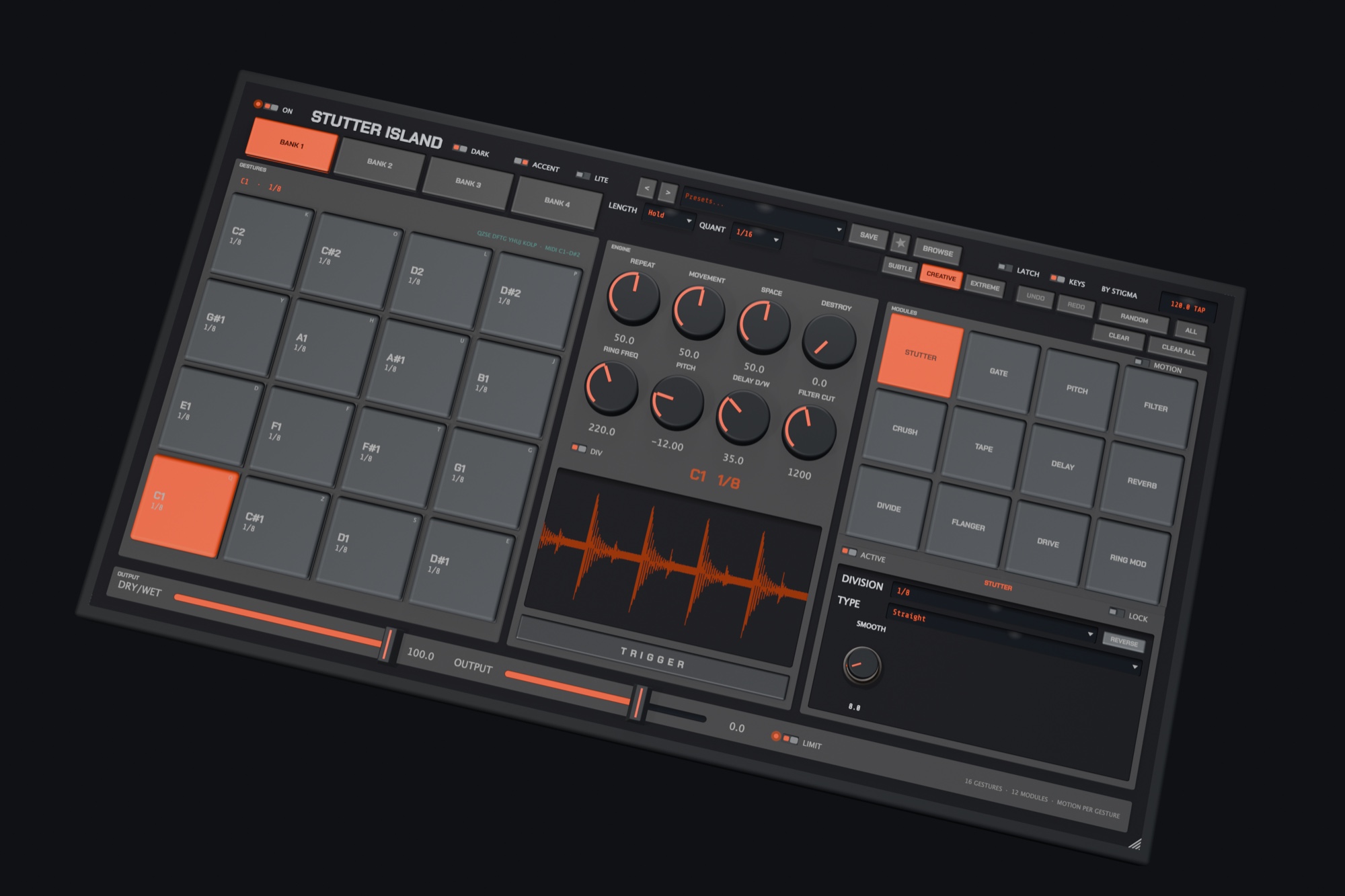
Your studio, your colors
Dark or light, then your own skin
Two factory themes, three built-in skins — Light Mint, Fluo Green, Fluo Full — and any skin you design below; DARK turns the chassis black under any skin. Plus a compact LITE mode for the stage. Click a variant: the shots — and the page accent — switch to it.
Or make it entirely yours
Your own colours, your own image, on the real panel — and a skin file to keep.
Origins
Wished into existence
Stutter Island was imagined by two people: Stephen — Stigma's long-time accomplice, who builds his own plugins under the name ZOG — and Steve. The brief came out of their conversations: a beat-repeat you play like an instrument, from pads, that always gives the track back where it should be. Stigma Audio built the machine; the idea carries both their names.
Specifications
Under the hood
Frequently asked
Before you ask
The pads don't respond to MIDI?
The MIDI track must target the plugin itself (not just the audio track) and be record-armed. Also check that MODE is set to MIDI. The Quick Start covers routing for Live and Logic.
The effect doesn't land on the beat?
Raise QUANT (1/16 or higher): triggering waits for the next subdivision — the pad starts in time, never early.
No sound in Standalone?
The standalone app processes the audio input chosen in its preferences. Pick your interface and an input source.
What tempo does Standalone run at?
Yours, three ways. Ableton Link: one button, and Standalone joins the Link session on your local network — Live, djay Pro, any Link app — taking tempo and bar phase from it (the screen reads LNK). MIDI clock on the MIDI input: followed automatically (SYN). Otherwise tap the tempo screen, or drag it to dial a precise BPM (TAP). Every division, QUANT and AUTO then run on that clock.
The computer keyboard triggers all sorts of things in Live?
Live's computer MIDI keyboard and the plugin's shortcuts can overlap: disable one of the two (the KEYS button on the plugin side).
DJ software?
Two ways with djay Pro for Mac. As a plugin, from Mixer → Main Output Effect: it processes the master, but djay passes no tempo to plugins (measured, not assumed), so you tap it. Or — the way to get gestures on the beat — run the Standalone next to djay with Ableton Link: djay shares tempo and phase over Link, and Stutter Island locks to it. To hear the effect, route djay's master output into the standalone app with a virtual audio cable such as BlackHole (macOS, free) or VB-Cable (Windows), then send the standalone's output to your speakers: djay out → cable → Stutter Island in, all at the same sample rate. The cable copies the audio untouched. In that setup Stutter Island sits on djay's whole mix, not on one deck.
The same recipe works with every DJ app that speaks Ableton Link: Traktor Pro (LINK button, native since 3.0), Serato DJ Pro (Link button, with SYNC and Snap to Beatgrid on), rekordbox (since 6.0, in Performance mode only — not in Export mode with CDJs) and VirtualDJ (the Ableton Link extension). None of them hosts plugins on the master, so the standalone app plus the virtual cable is the way in every case. Mixxx has no released Link support yet. Setups where the sound never leaves the computer's software — CDJs in Export mode, vinyl DVS — are out of reach for now.
Windows?
Yes. Windows 10 and 11, 64-bit, VST3 and standalone — Audio Unit is a macOS format, so it has no Windows equivalent. The installer is not signed yet: Windows shows Windows protected your PC the first time, choose More info, then Run anyway.
Get it
Try it, then own it
The demo is the full instrument with a periodic reminder. When you're convinced, one unlock turns it into the complete version — forever.
Buy — unlock
VST3 · AU (macOS) · Standalone, on macOS and Windows. A license key unlocks the demo in place.
Launch price — applied automatically at checkout. VAT added at checkout.
Documentation
It's all written down
Quick Start and full manual, English and French — read them online.
Launch
Get the launch news
No spam: one email on launch day, September 30th. That’s it.
Opens our Gumroad page — type your email there, done. Unsubscribe in one click, any time. Or follow along on Instagram @stigmasoft__.
A STIGMA AUDIO PLUGIN · IMAGINED BY STEPHEN (ZOG) & STEVE · 16 GESTURES · 12 MODULES · MOTION PER GESTURE